This help article provides a brief guide on how to hide the SMTP setup help doc link
TABLE OF CONTENTS
How to remove/hide the SMTP setup help doc link
If you don't want your clients to see this link:
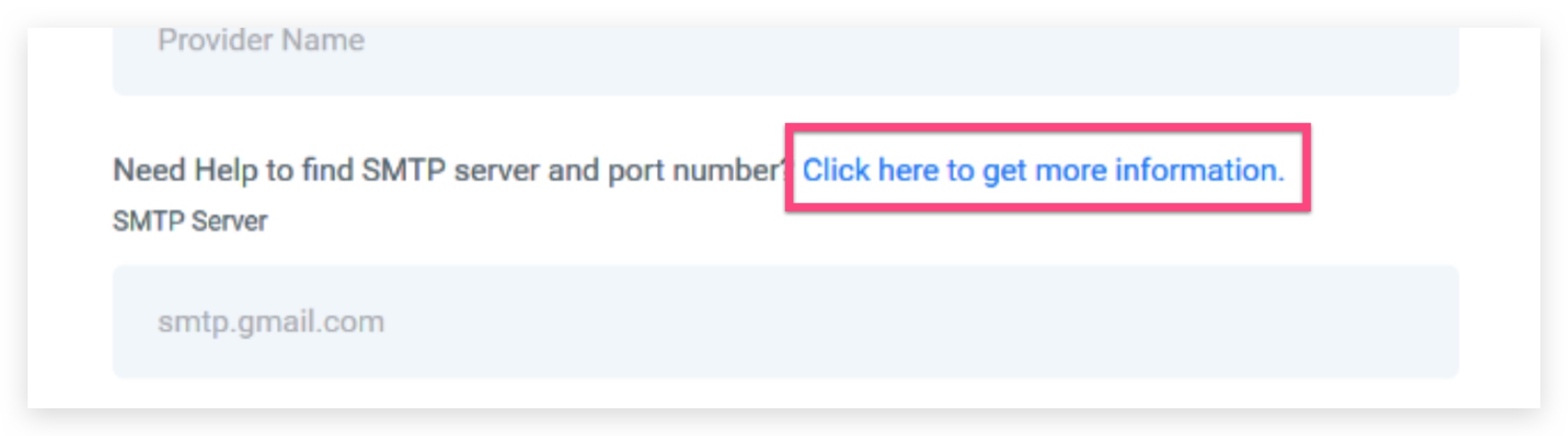
Log into your HighLevel account, go to Settings > Agency Settings then scroll down to the Custom CSS field and paste the following code:
.hl__smtp-help-doc {
display: none;
}
This will hide the SMTP setup help doc link. If you decide to display the SMTP setup help doc link again later, simply remove the code from the custom CSS field above