Add your featured hero post to blogs allows in building more strategic content marketing to guide what drives the trend and main topics to highlight.
- Highlight Important Content – Ensures key posts (e.g., announcements, pillar content, popular articles) remain visible to readers.
- Drive More Engagement – Keeps high-performing or cornerstone posts at the top, increasing visibility and interaction.
- Improve SEO & Read Time – If a pinned post is frequently visited, it can contribute to better rankings and user retention.
- Promote Evergreen Content – Keeps timeless or frequently referenced posts easily accessible.
How does Featured Post works?
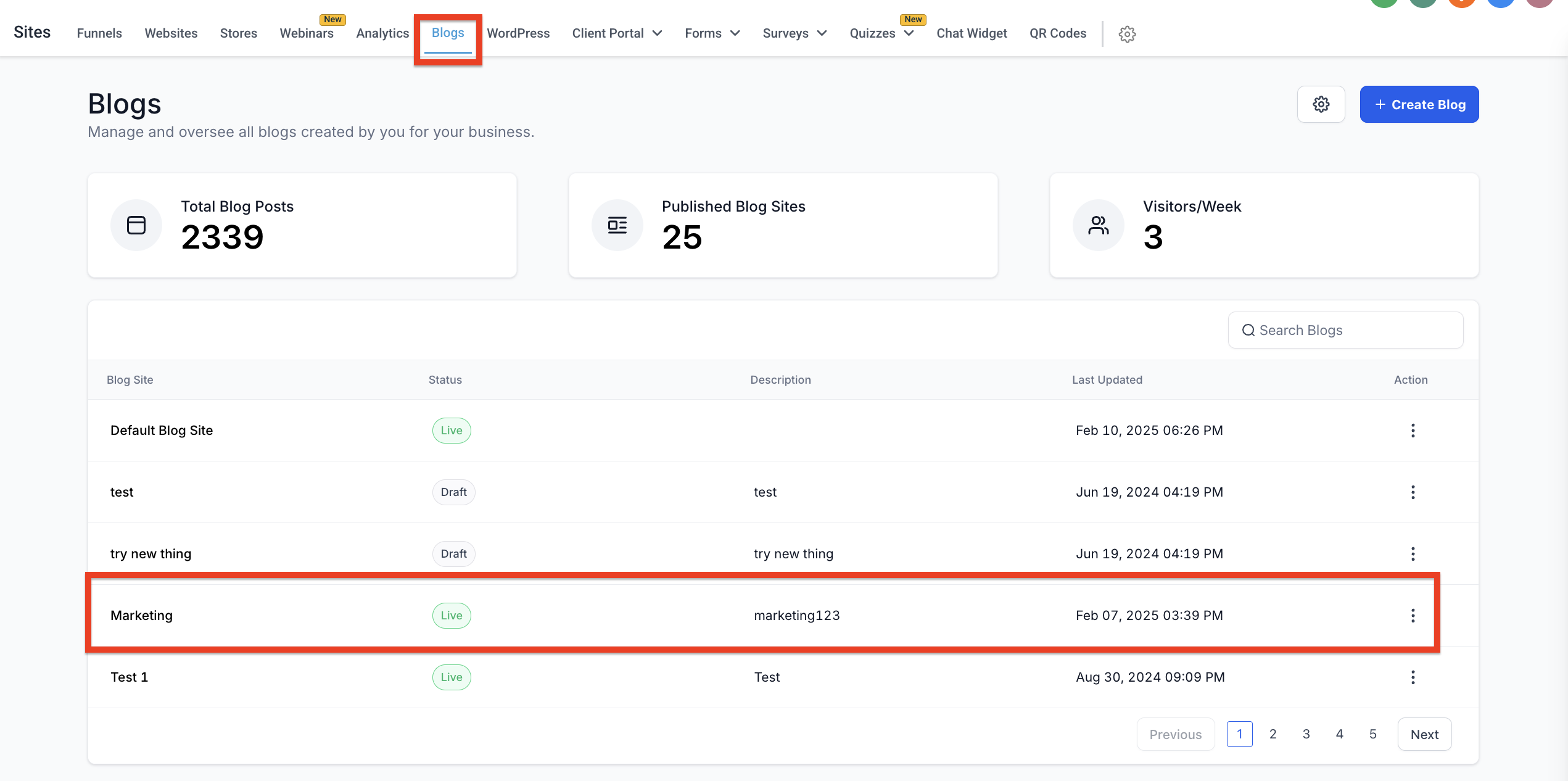
- Navigate to Sites > Blogs
- On the list view of Blog(s), select the blog name and click on it
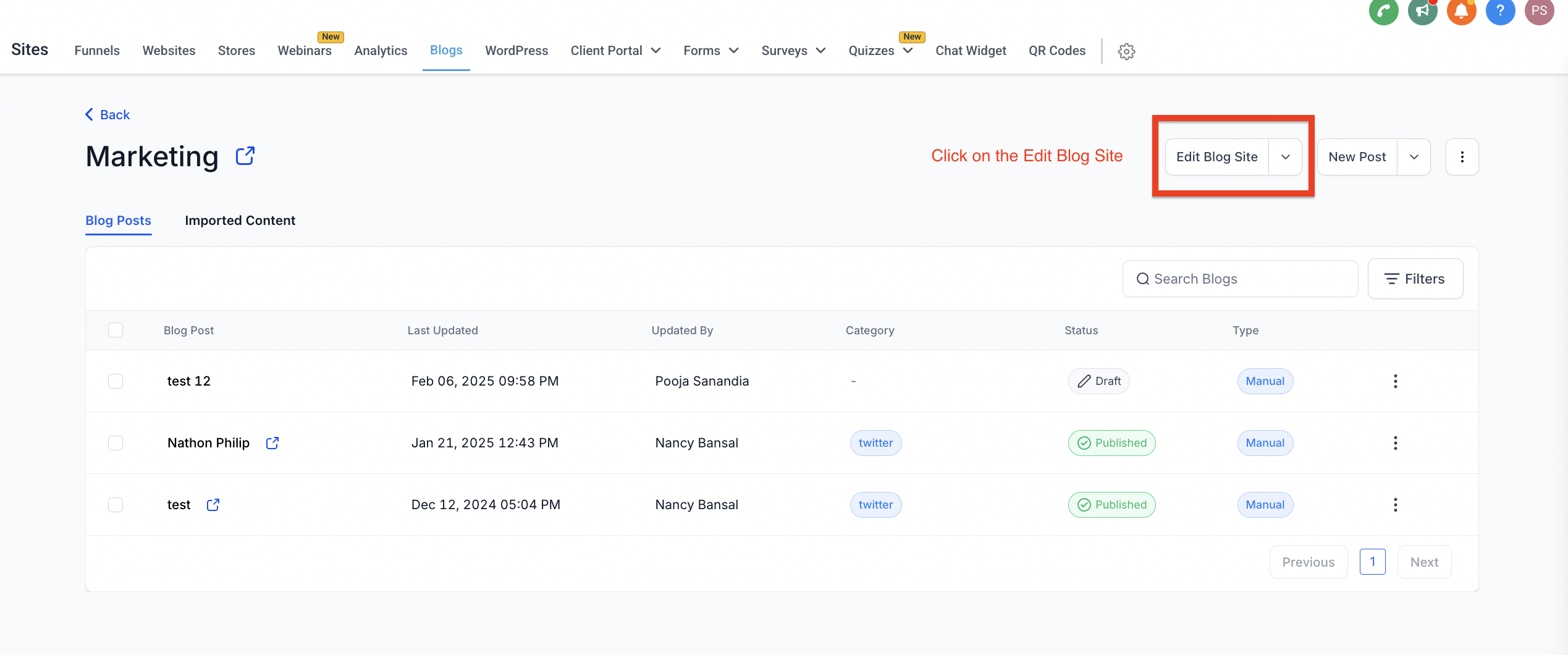
- Go to the view where there option to edit Blog Site
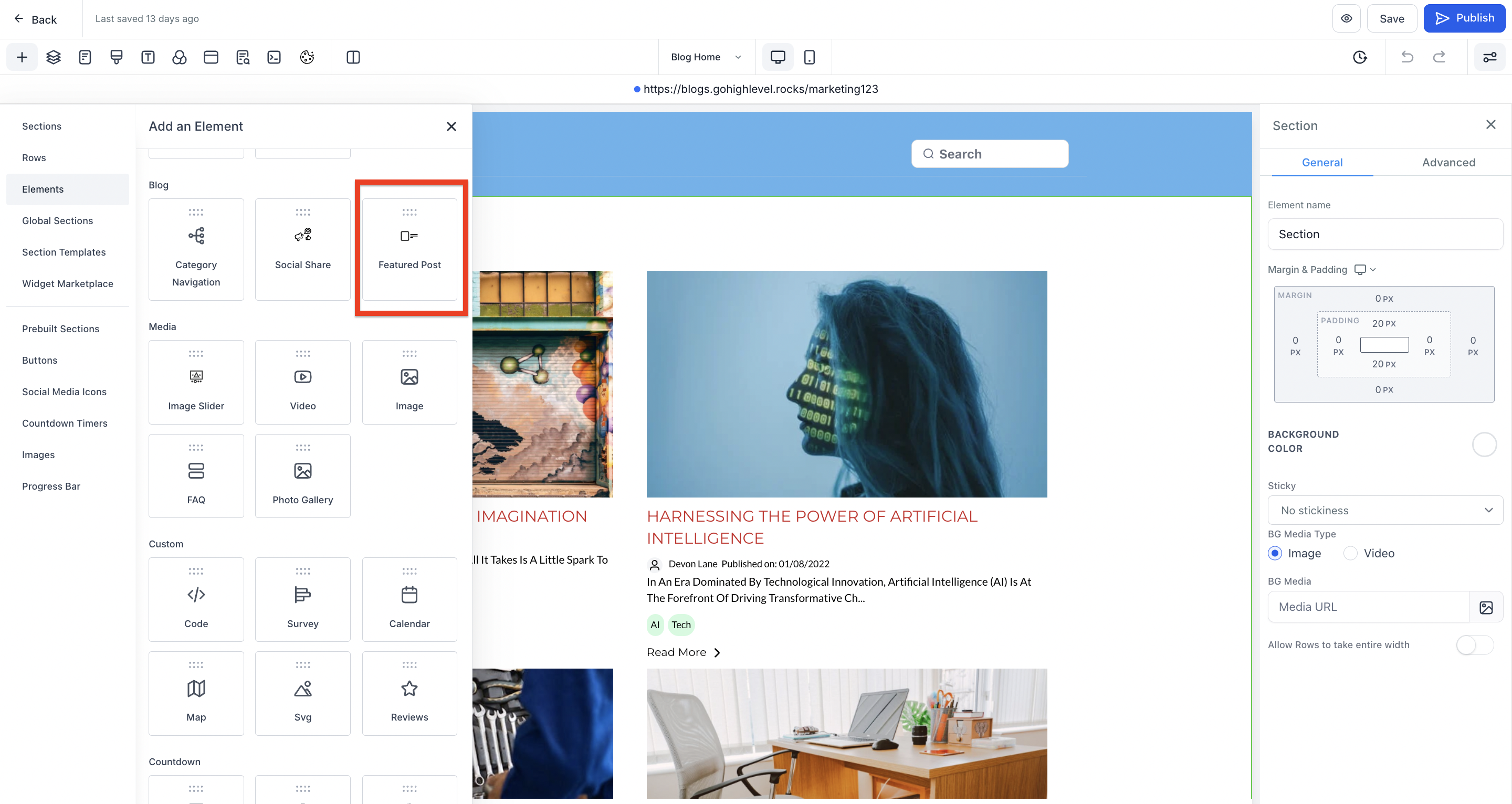
- Add the element of Featured Post
- Select the featured blog post
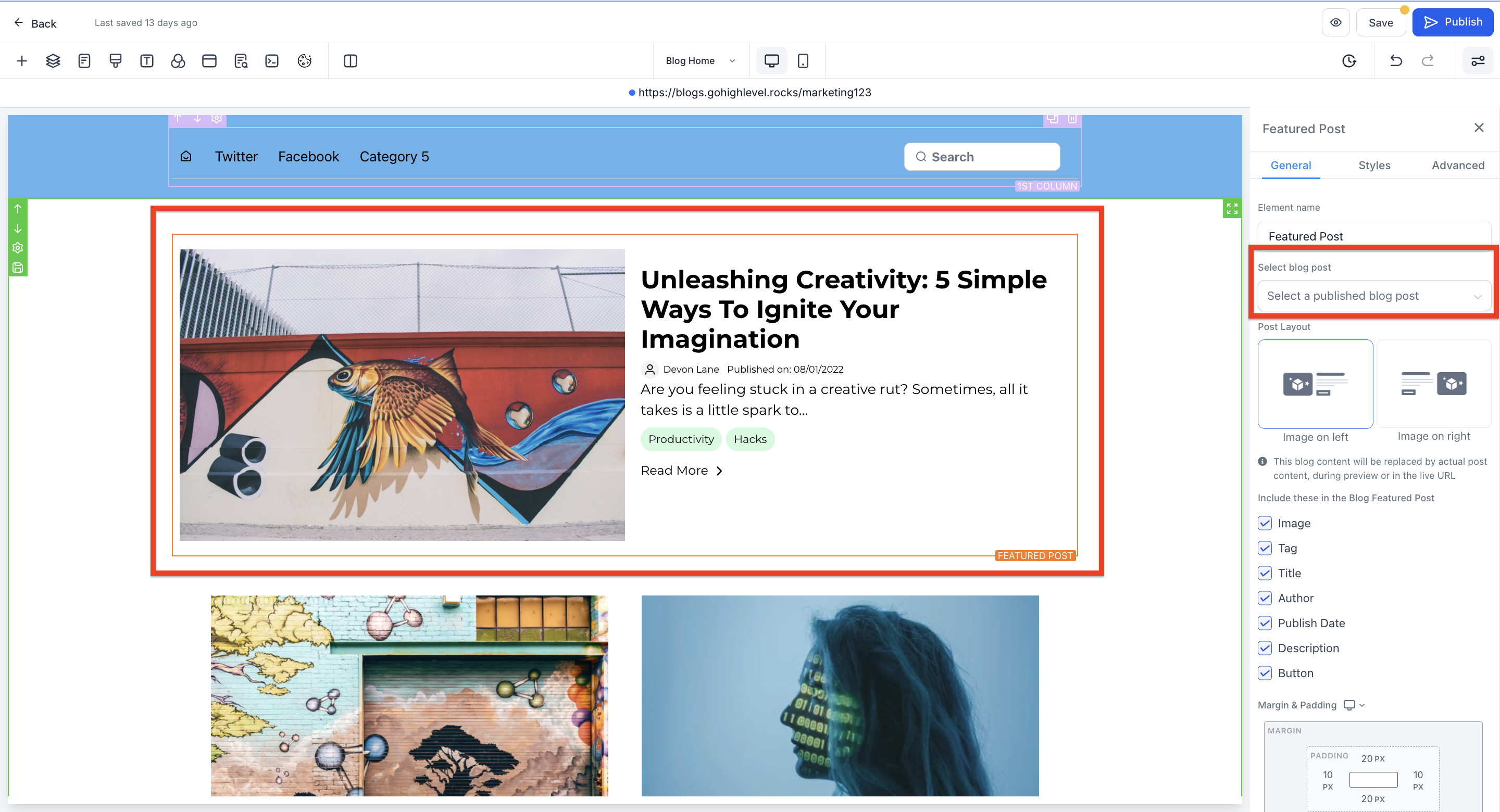
- Select the layout and choose what you want to show in blog featured post.
- Publish the blog site