Apps enable you to integrate HighLevel with third-party applications. To achieve this integration, you must connect the app with the third-party application. This document explains how these connections work and are managed.
Understanding the basics
- All connections are made at the sub-account level. So each sub-account will have a unique connection with the third-party app
- If you're installing an app that requires external connection to a particular sub-account, the connection request will launch immediately after the installation is completed.
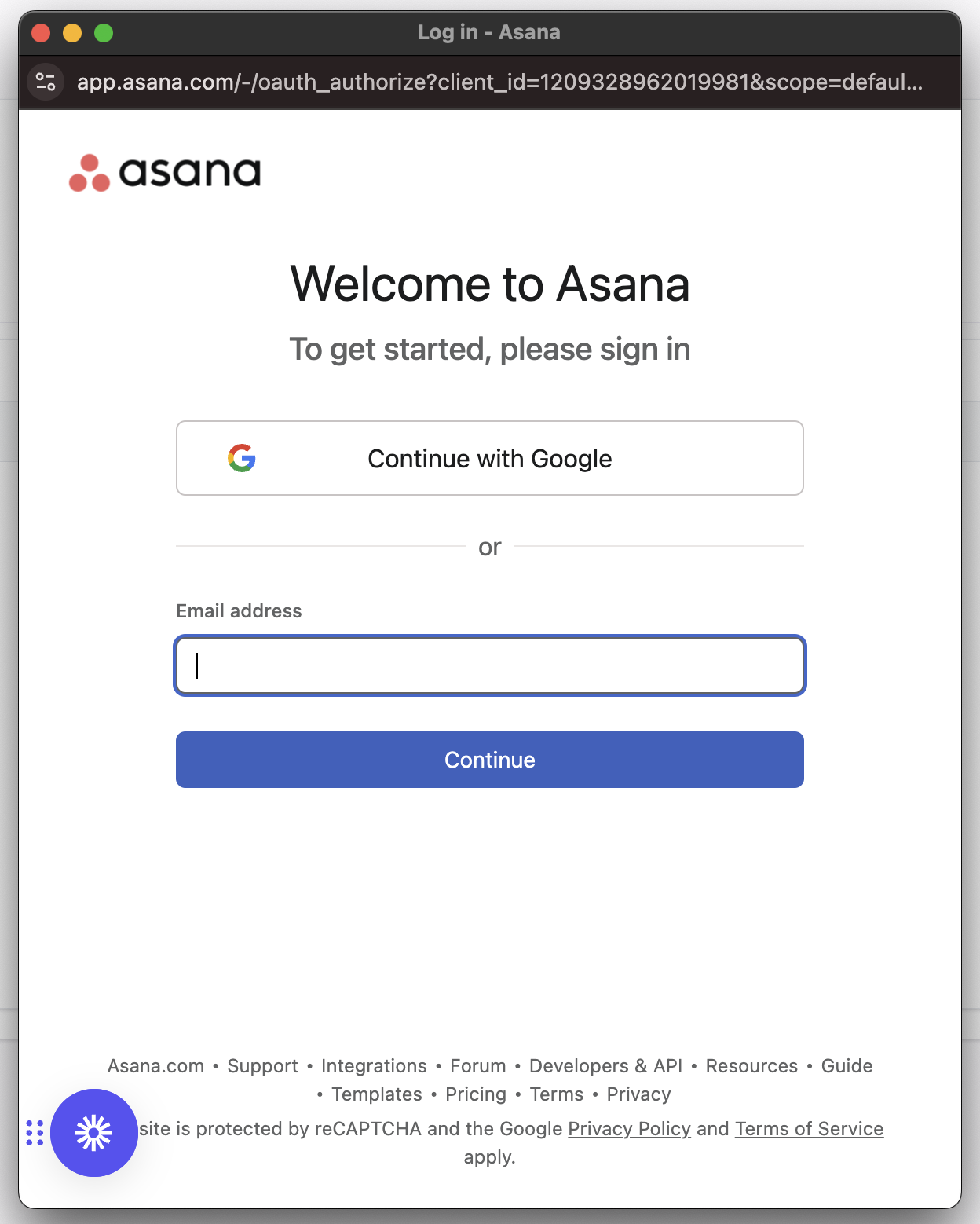
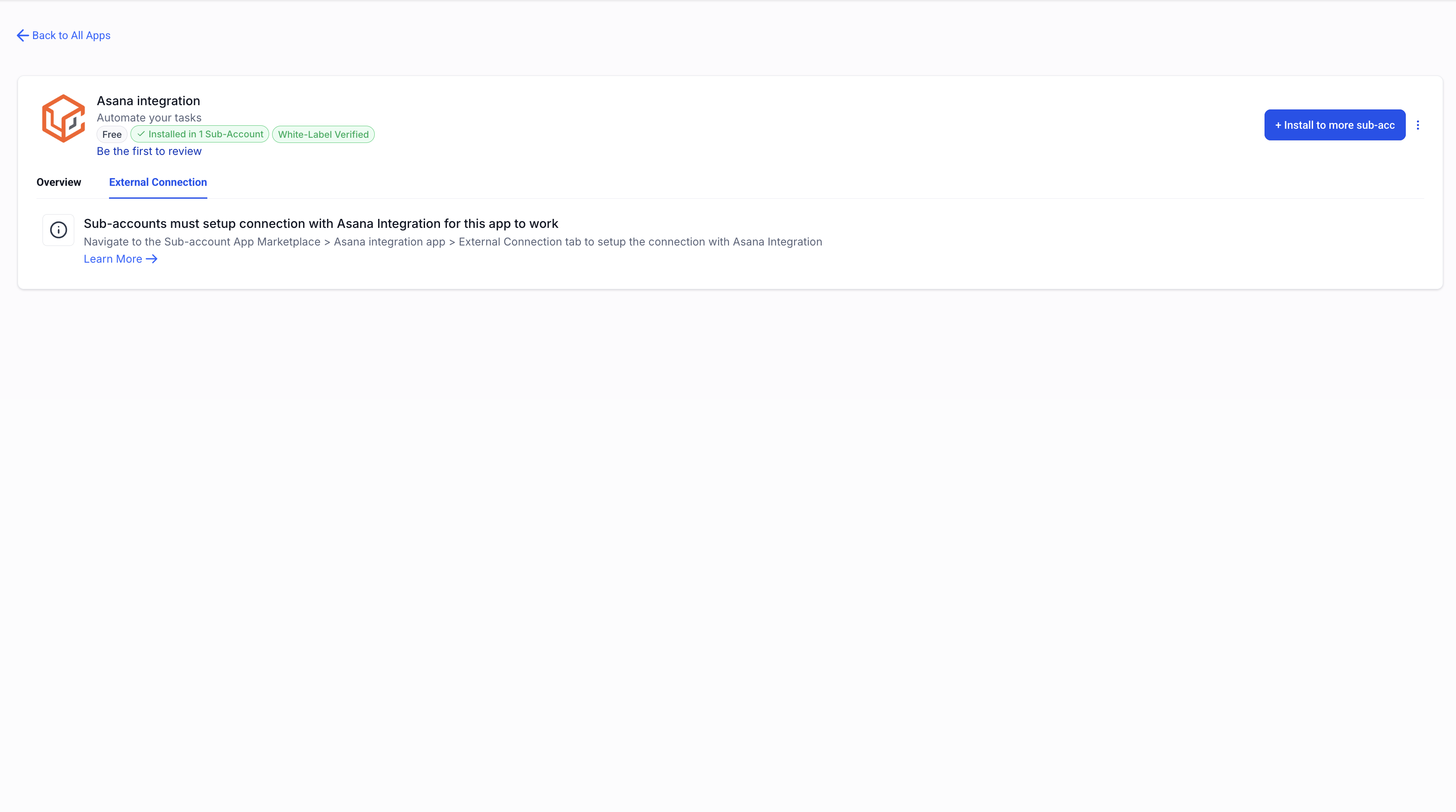
- If you are bulk-installing an app across multiple sub-accounts, then the connection request is not automatically launched during installations. Since the connections are established at individual sub-account level, your sub-account users must connect the app within the sub-account marketplace.
What authentication methods are supported?
- We currently support three types of authentication methods:
- OAuth - Login with third-party app and authorise the integration
- API Keys - Copy API key from the third-party app and paste it in HighLevel
- Basic Auth - Username/Password credentials of your third party app