The first time you use the SaaS Configurator to setup SaaS Mode there are helpful onboarding widgets.
| The first time you use the SaaS Configurator you will see this screen. There are two payment structures to choose from. Stripe - Stripe has always had native support in HighLevel so this one is simple. Other - If you want to use a payment provider other than Stripe, or you want to mix and match payment providers, then this one has the flexibility you need. | 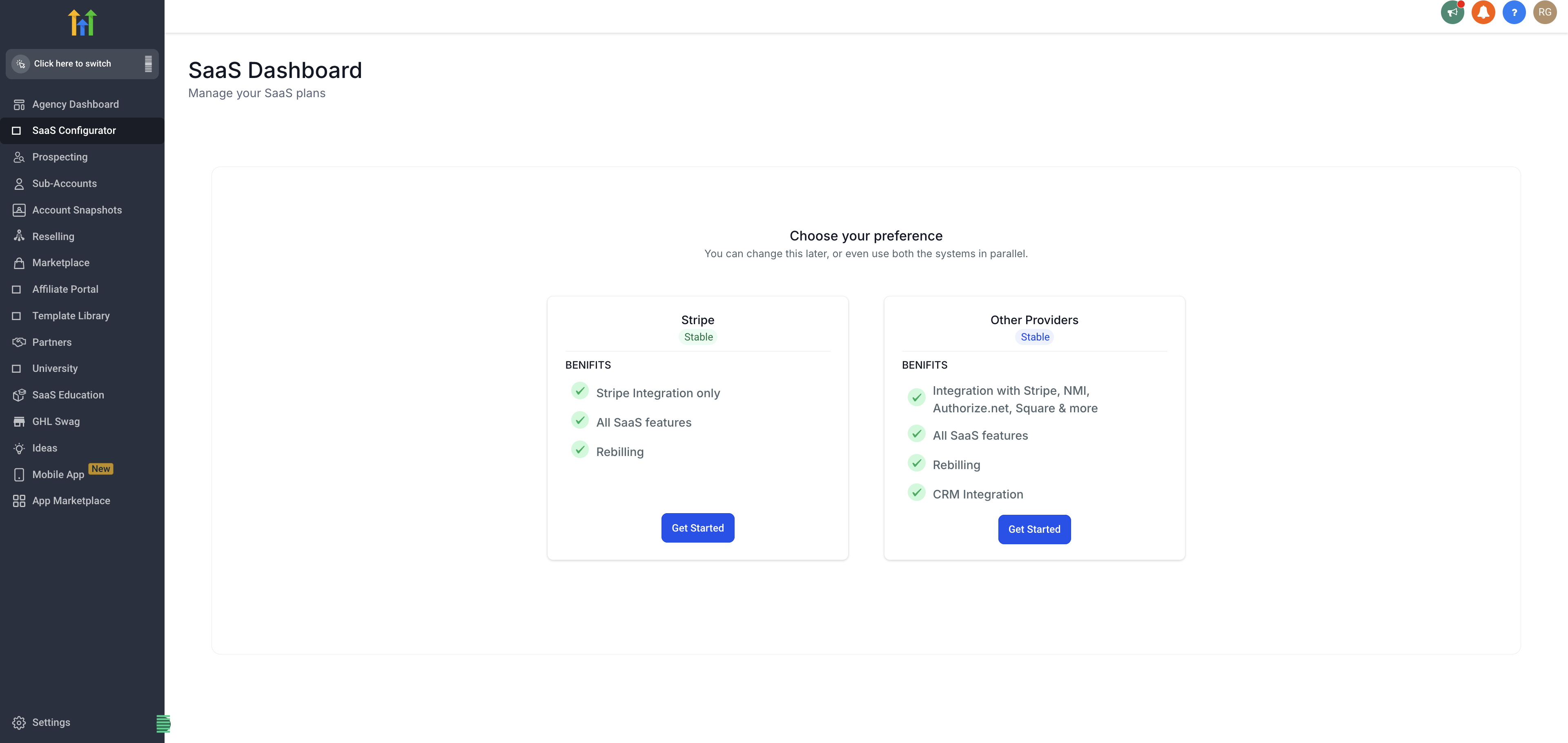 |
| SaaS Mode is a combination of the Agency SaaS Configurator and one or more Agency Subaccounts with SaaS Products in them. In brief:
See this article for the full details: Guide to SaaS Plan Creation, Sales, and Customer Onboarding | 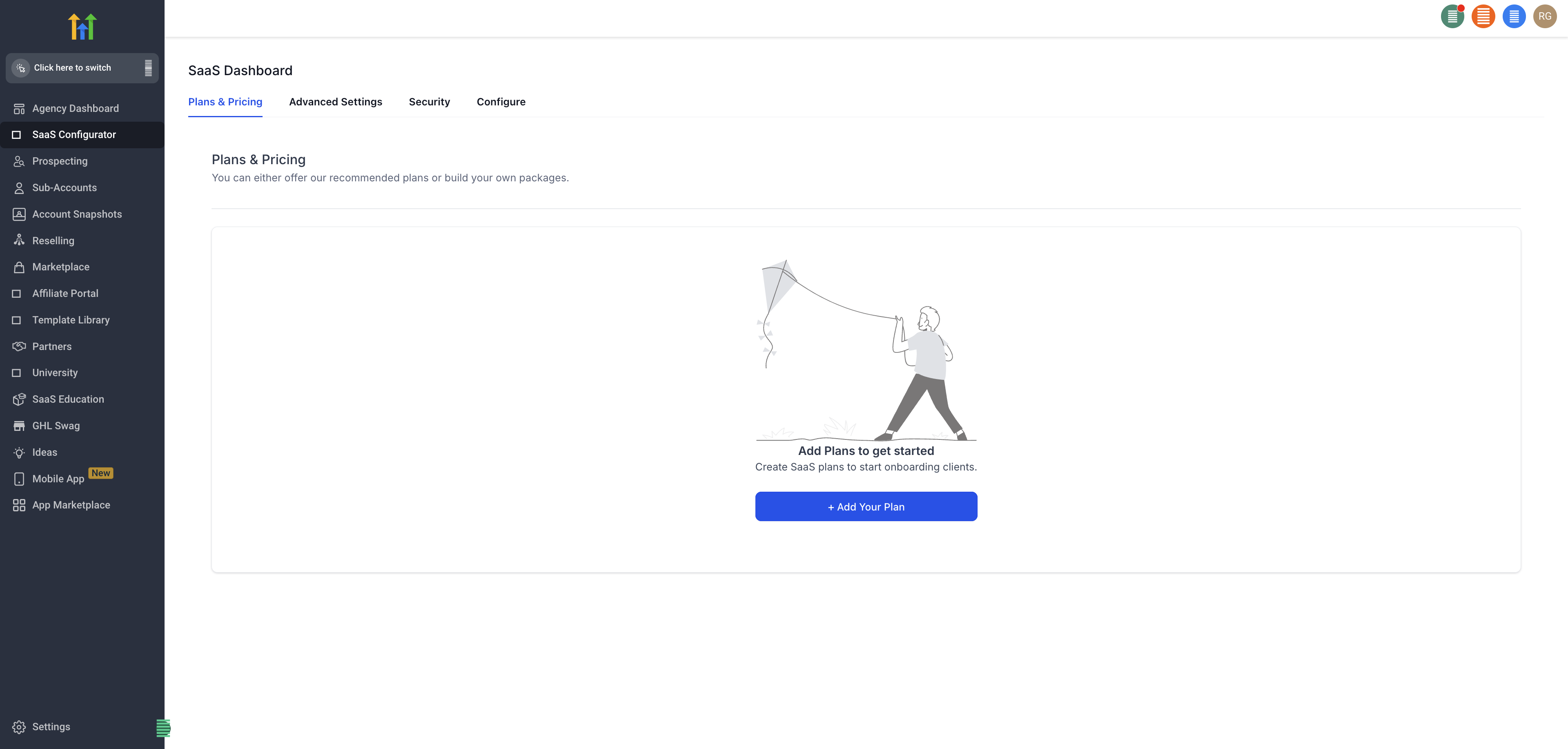 |
| You can have many Agency Subaccounts and many SaaS Plans in each of them. They will all be gathered together in the Agency SaaS Configurator. | 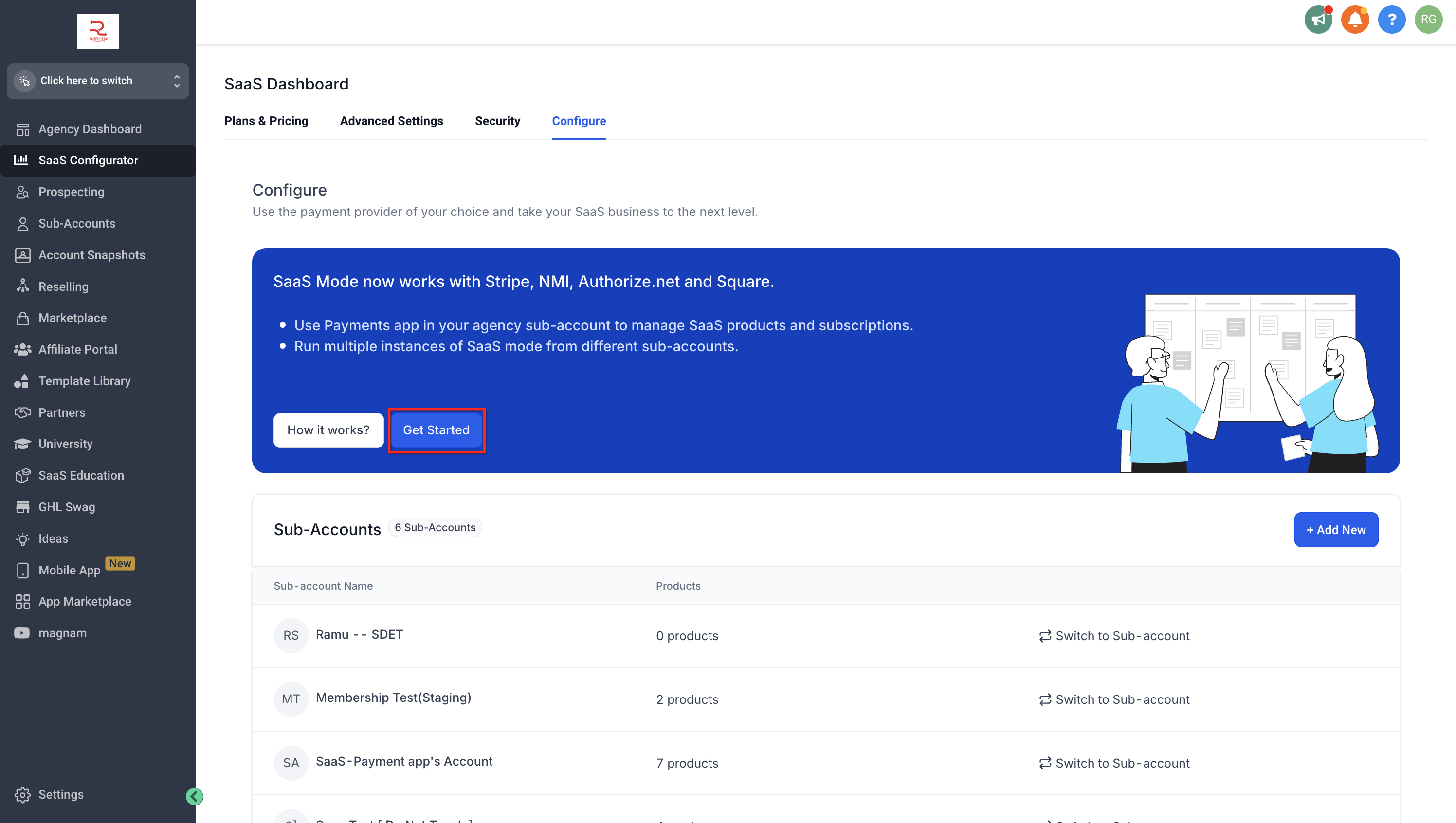 |
| You can use many Payment Providers because those integrations are controlled in each Subaccount. | 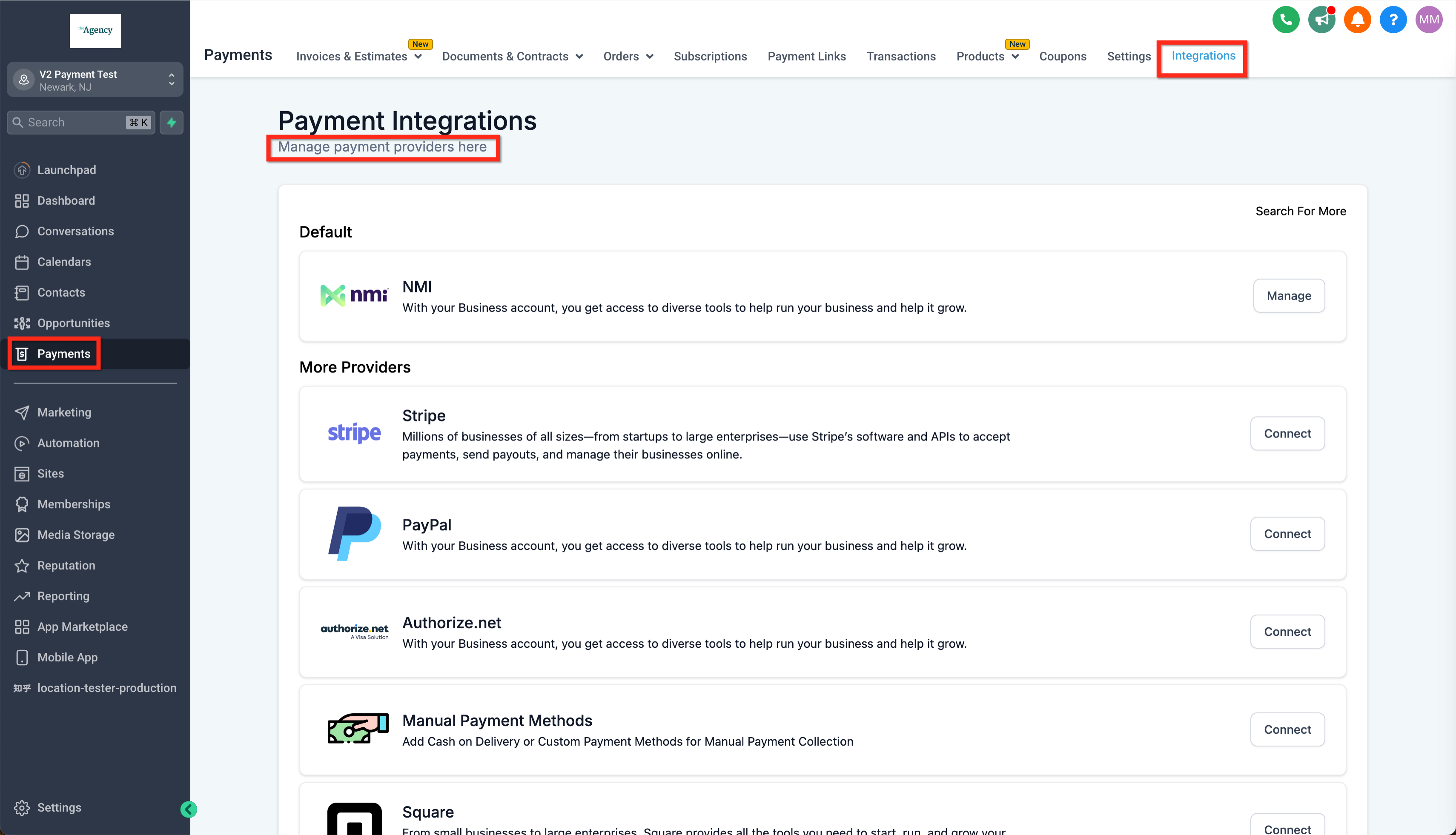 |