Agencies have clear visibility into their revenue and costs pertaining to Rebilling within HighLevel, which they can slice and dice by each product and each sub-account.
Data is only available in the dashboard for the previous 6 months.
Please note: Dashboard might reflect negative revenue in case of subscription cancellations due to proration calculations.
How to use the Rebilling Dashboard
Go to your Agency account and click Agency Dashboard > Rebilling tab.
| 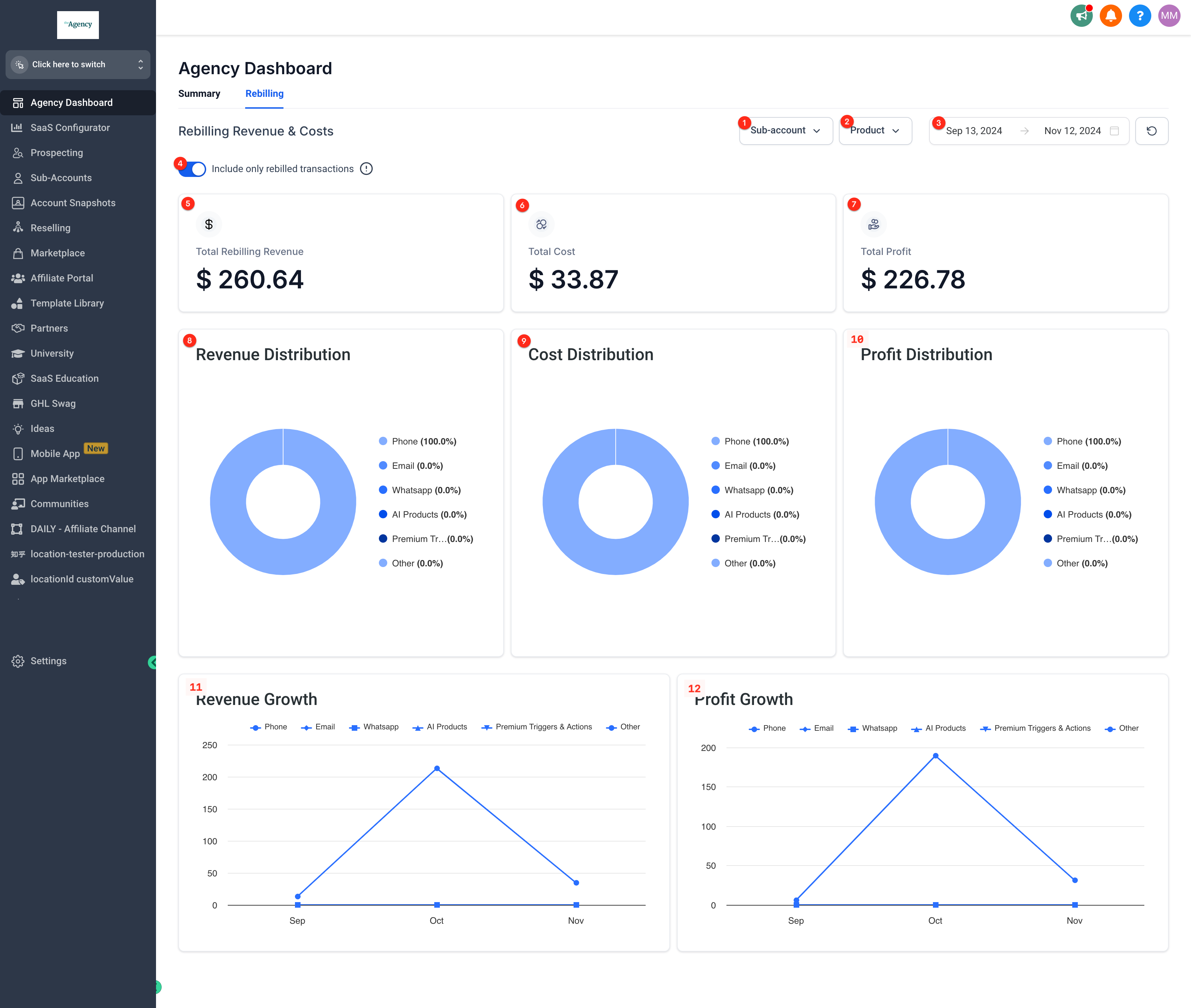 |
| To filter by subaccount, click on the subaccount dropdown and search. | 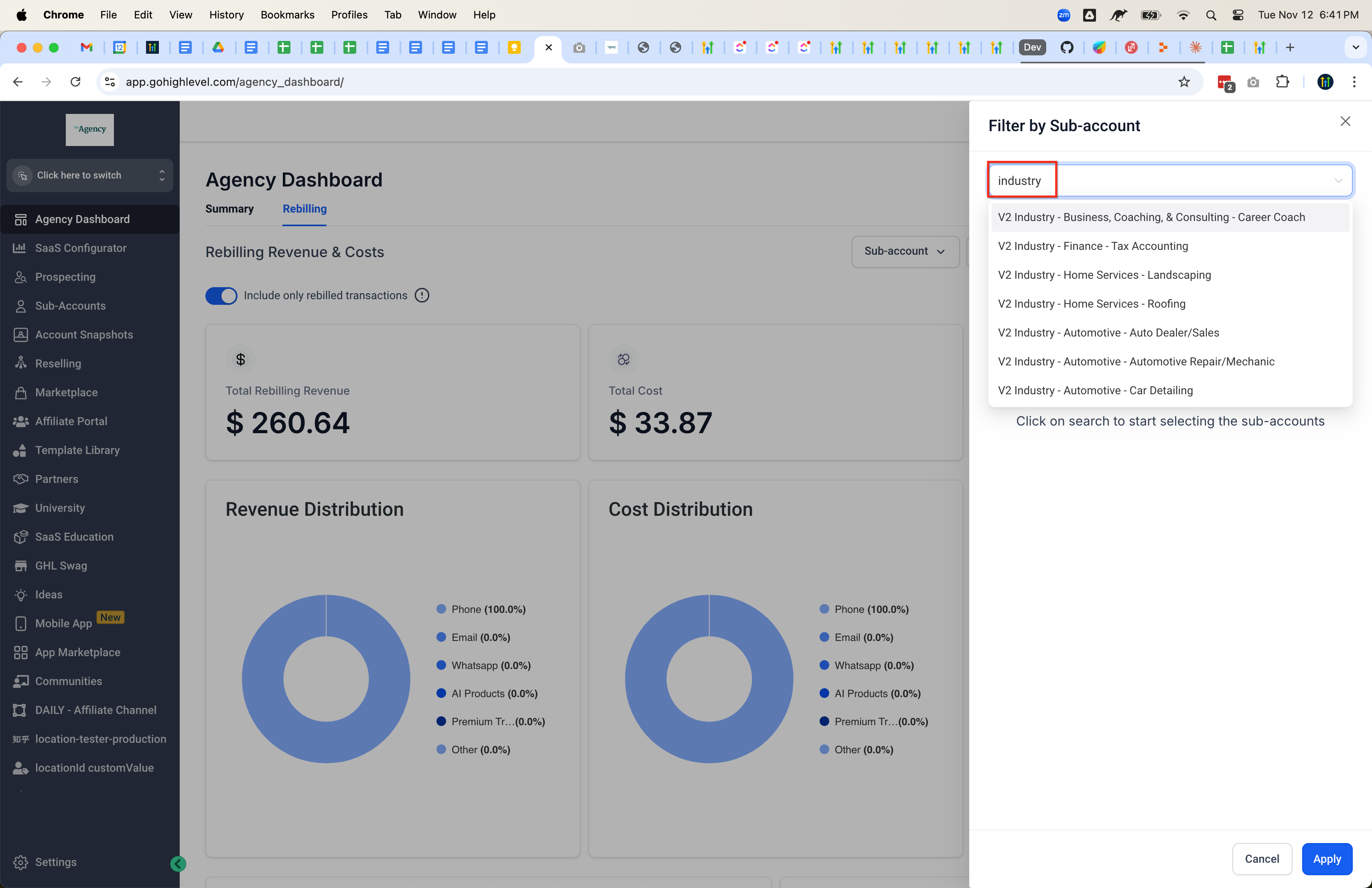 |
| You can select more than one subaccount or clear all. Click apply to return to the dashboard with the filter(s) active. | 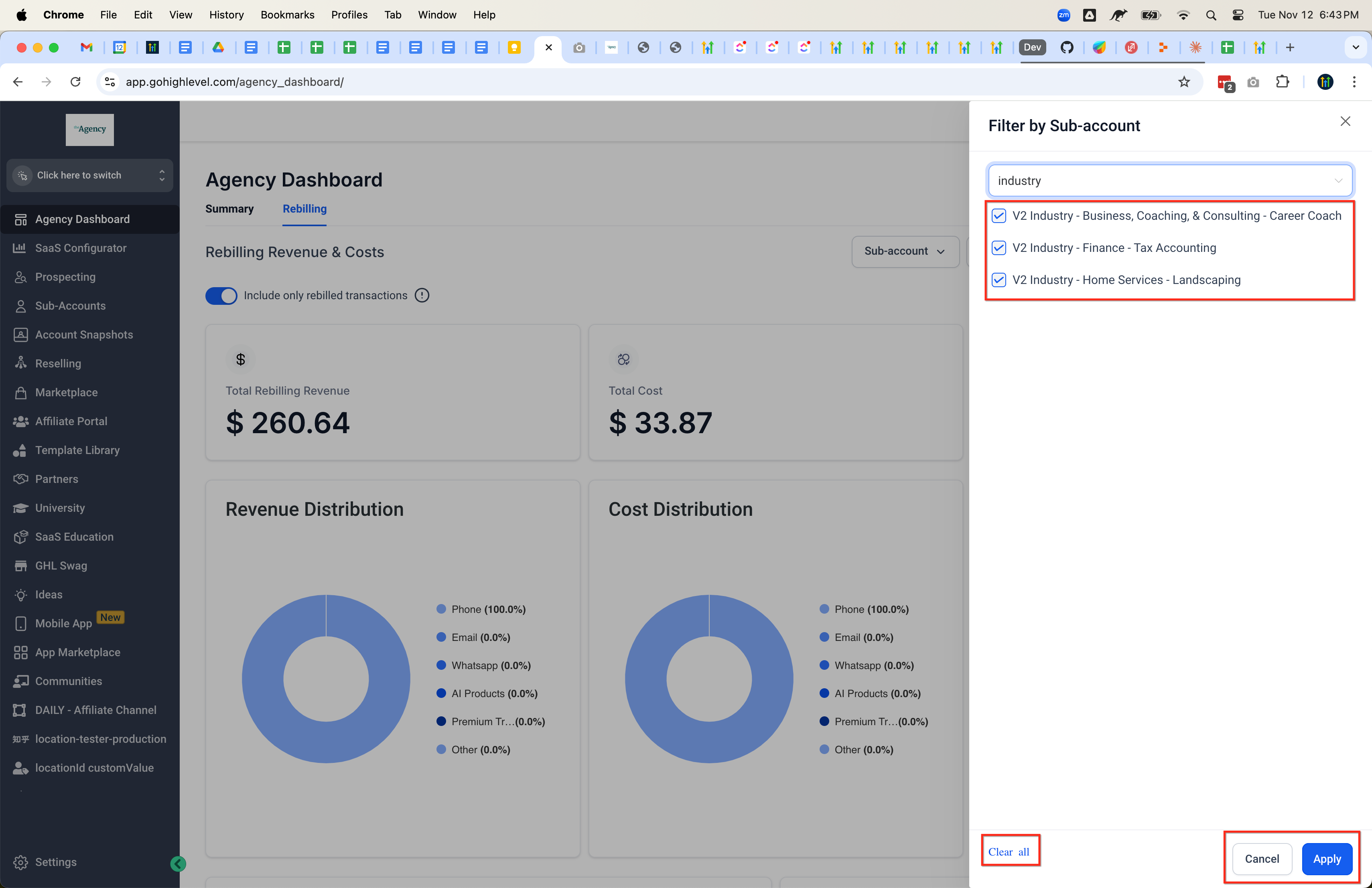 |
| You can filter by products by clicking the Product dropdown. | 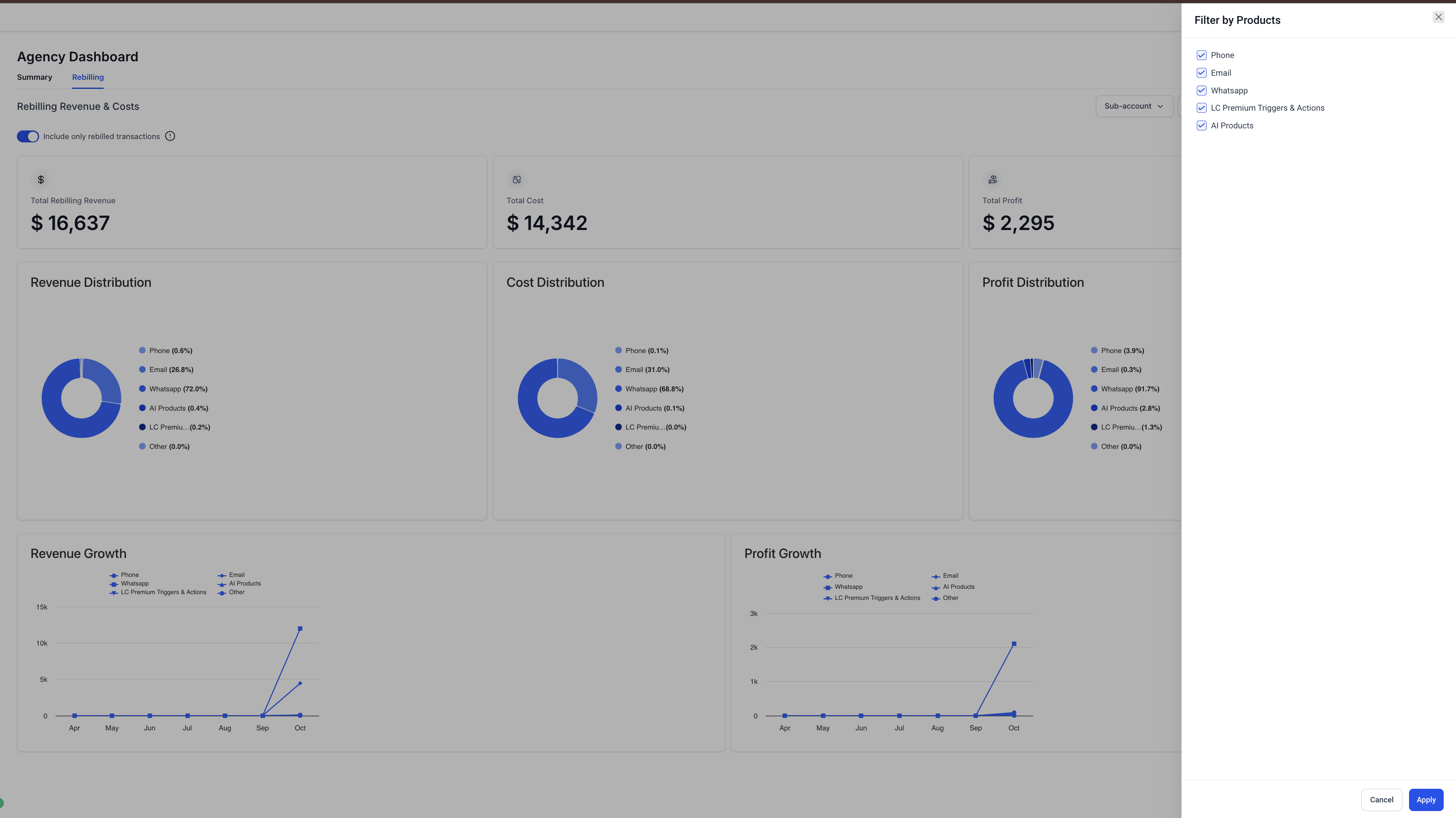 |
| You can also filter by dates using the calendar picker. Click confirm to apply. | 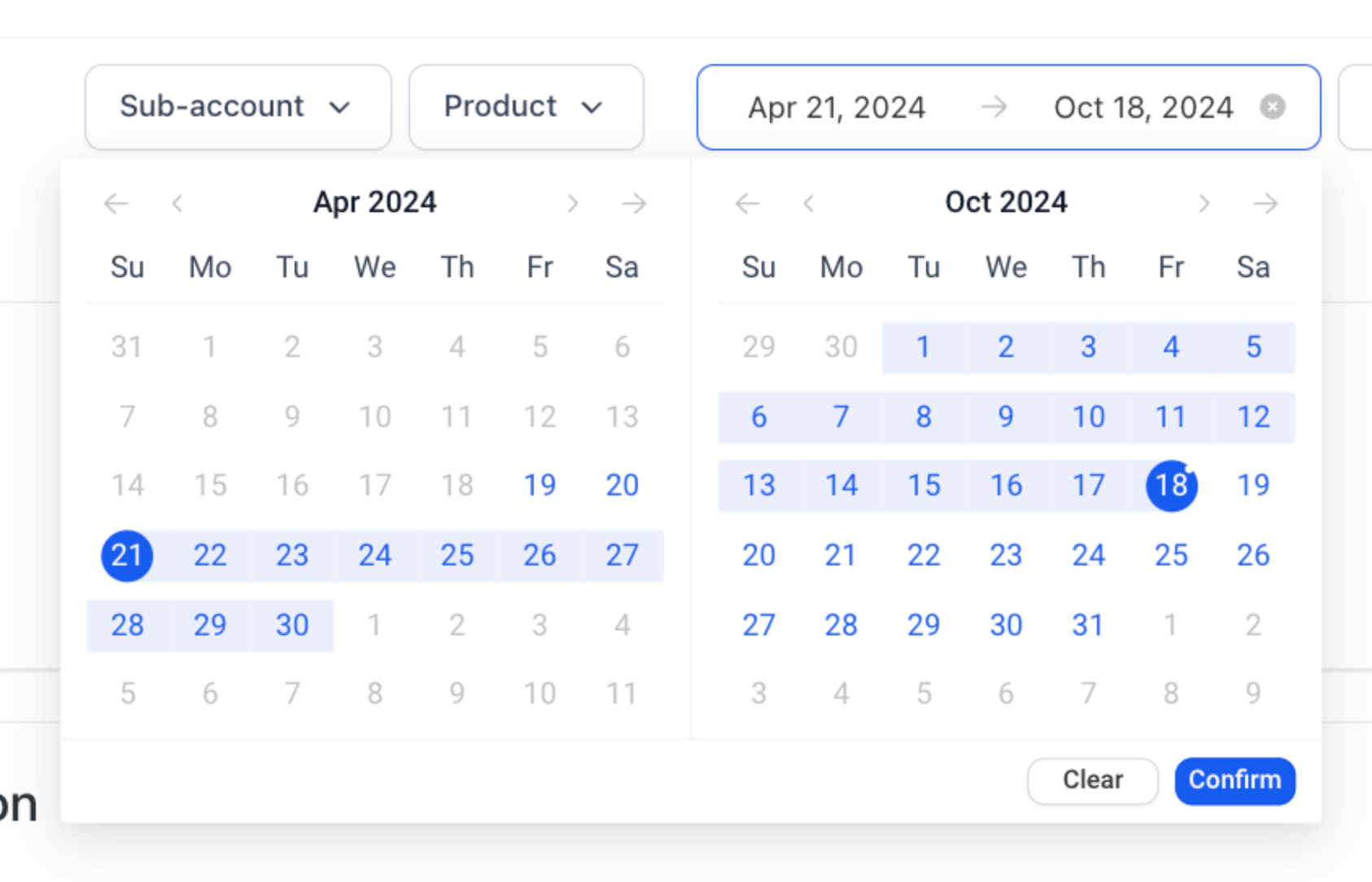 |